
Assembling Product Inputs for a Concept Render Brief
A furniture or lighting render becomes difficult before modeling begins when words such as “warm,” “premium,” or “hero view” stand in for unresolved decisions about product identity, finish, camera, and approval.
A useful render brief template turns that ambiguity into a versioned product-input package. It records what the image must help someone decide, which references control that decision, who owns approval, and which questions remain outside the render.
The package supports visual direction. It is not a manufacturing, installation, safety, compliance, or rights document.
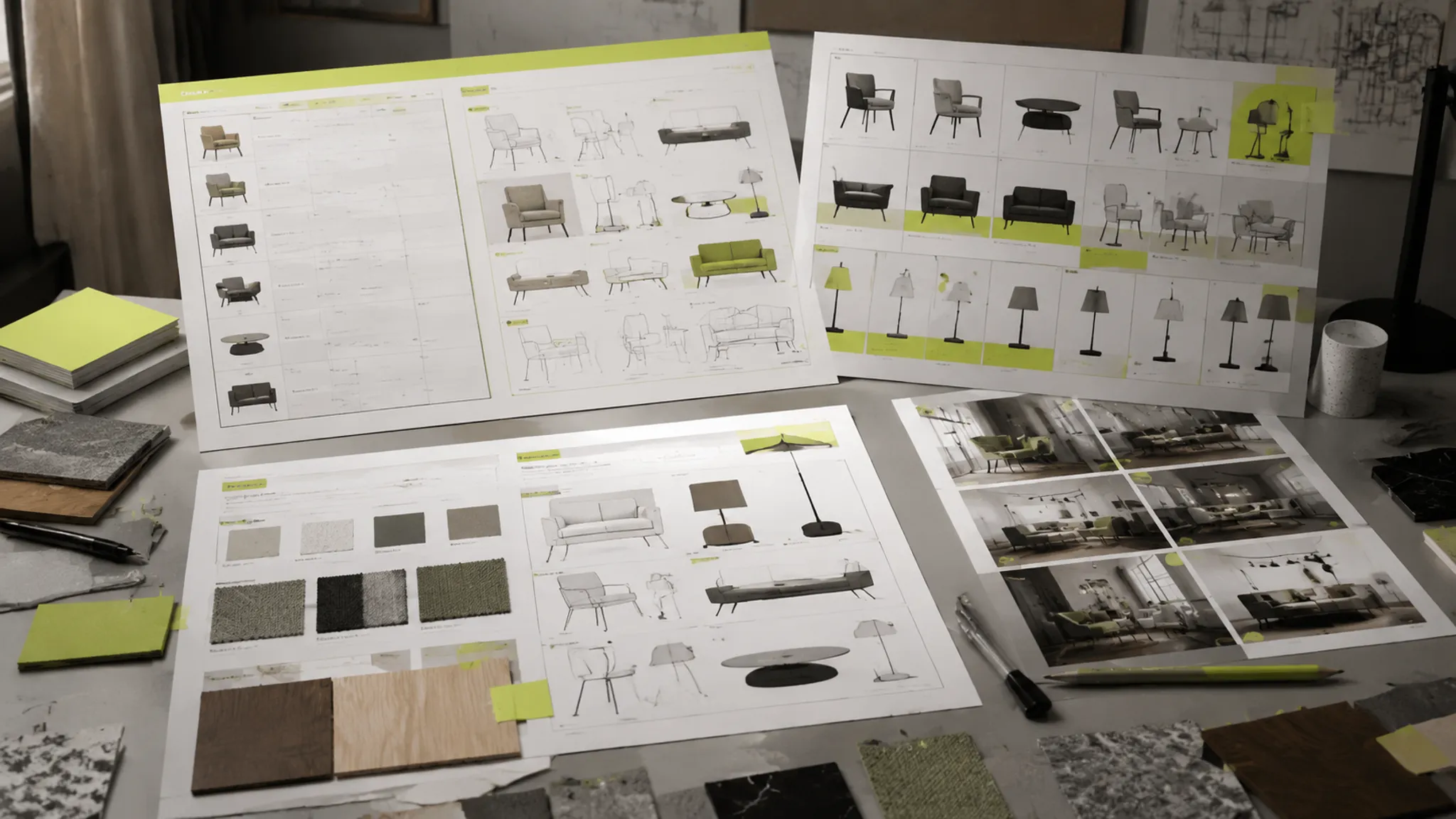
Start With the Decision the Render Must Support
State the decision before the mood language. A concept comparison needs different inputs from a collection-consistency review, a room-context study, or an internal approval meeting.
Write one specific purpose:
- Compare two silhouettes for proportion and visual weight.
- Review a lighting fixture’s component placement.
- Check whether a finish variant belongs with an existing collection.
- Present a product in a defined room context.
- Confirm a camera direction before requesting additional views.
- Review a visual direction before technical documentation begins.
The purpose determines the required views, reference depth, and approval milestone. Without it, a request for “more realistic” can conceal separate concerns about geometry, material response, lighting, composition, or presentation quality.
The render shows an intended visual direction. It does not establish hidden construction, fabrication feasibility, physical performance, electrical behavior, code requirements, installation suitability, exact color behavior, or rights status.
Build a Versioned Product Input Manifest
A product input manifest is the working record behind the brief. It can be a structured document, shared table, or project record, provided every input remains connected to its purpose and status.
| Field | What to record |
|---|---|
| Asset name | A specific identifier for the product, component, finish, or scene reference |
| Purpose | The visual decision this asset supports |
| Source | File, photograph, sample, drawing, archive, or supplied reference |
| Version | File revision, date, or other traceable identifier |
| Status | Approved, provisional, reference-only, or unresolved |
| Owner | The person or group responsible for clarification or approval |
| Limitation | What the asset cannot establish |
| Review note | The latest decision, question, or requested change |
The version field matters when similar files describe different revisions. A product photograph may show an earlier component arrangement while a geometry file represents a later revision. A finish image may depict a related product rather than the item under review.
Record the conflict instead of allowing the render team to resolve it silently.
Use Status Labels With Scope
- Approved: Authorized for the stated visual decision.
- Provisional: Being used temporarily and subject to change.
- Reference-only: Supplying a visual cue without describing the exact product or finish.
- Unresolved: Requiring confirmation of the asset, interpretation, or ownership.
Pair every status with a limitation. “Approved” may apply to silhouette only, not to material, construction, final color, or downstream use.
Product Identity and Geometry
The first input group establishes what object or fixture is being shown. Include the product name or internal identifier, product family, configuration, and current geometry reference.
- CAD or technical files
- Dimensioned drawings
- Product or prototype photographs
- Sketches and component lists
- Configuration notes
- Previous approved renders
- Variant or collection references
State which reference controls product identity. A photograph may be strongest for visible component placement, while a geometry file may control overall proportion. If they disagree, mark the disagreement as unresolved.
Review visible geometry rather than assuming that the file is complete. Check:
- Overall silhouette and relative width, height, and depth
- Thickness, edge radius, and sharpness of visible members
- Gaps and alignment between panels, legs, shades, arms, or supports
- Contact points with the floor, wall, table, or mounting surface
- Relationships between removable and fixed parts
- Controls, openings, hardware, and light-emitting areas
These observations support visual comparison. They do not establish that the object can be built, assembled, installed, or operated as shown.
Register Components and Scale Cues
A small knob, diffuser, seam, switch, arm, bracket, foot, or shade opening can change the reading of the whole product. Add a component register when placement affects approval.
| Component | Visual question | Reference | Status |
|---|---|---|---|
| Shade opening | Is the opening centered and proportionate? | Current geometry file | Approved for comparison |
| Switch or control | Is its position visible in the required view? | Product photograph | Provisional |
| Leg or support | Does the contact point align with the intended floor position? | Dimensioned drawing | Approved for visible placement |
| Textile seam | Does the seam direction support the selected form? | Finish photograph | Reference-only |
Use a scale cue when the product appears in a room or collection setting. A chair beside a table, a pendant above a surface, or a lamp on a console helps viewers read proportion. The surrounding object provides context, not a measurement record.
Material and Finish References
Material inputs should describe the visible cue under review. “Oak,” “black metal,” “linen,” or “opal glass” identifies a category, but not the grain, weave, roughness, sheen, translucency, or edge response needed for comparison.
For each finish, record:
- Material or finish name and product area
- Color reference
- Grain or weave direction
- Roughness or sheen cue
- Transparency or translucency cue
- Edge response to light
- Finish variants under consideration
- Reference source and version
- Whether a physical sample is available
A photograph can suggest grain direction, surface sheen, and visible texture. A swatch can identify a finish reference. A physical sample remains relevant when the decision depends on tactile behavior, color under viewing conditions, translucency, reflection, or material performance.
Describe the image as representing an intended appearance under a chosen camera and lighting setup. The actual finish may respond differently across angles, environments, batches, or viewing conditions.

Translate Mood Language Into Review Criteria
Market language can start a conversation, but it rarely supplies an approval condition. Convert it into observable cues.
| Brief phrase | More reviewable criteria |
|---|---|
| Warm | Warmer color temperature, softer contrast, lower background value, or a warmer finish variant |
| Serene | Reduced visual clutter, restrained contrast, softer shadow edges, and quieter room context |
| Premium | Controlled edge response, consistent proportions, deliberate camera height, and specified surface sheen |
| Photorealistic | Defined geometry detail, material cues, light direction, shadow behavior, and agreed presentation quality |
| Brand aesthetics | Named color relationships, silhouette traits, finish rules, and collection references |
“Perfect lighting” does not identify a review condition. Ask whether the light reveals the intended form, separates the product from the background, and presents the selected finish consistently across the required views.
Lighting guidance supports a limited point: illumination can reveal form, but it cannot resolve an inadequately specified surface reference. Keep the finish source visible in the manifest.
Lighting, Environment, and Fixture Context
Lighting direction affects which product features are visible and which surface cues become prominent. Environment direction also changes the reading of scale, contrast, and finish.
- Indoor or outdoor context
- Room or display setting
- Background value
- Main light direction and relative warmth or coolness
- Shadow softness
- Reflection environment
- Desired separation from the background
- Whether the view is isolated, contextual, or both
For lighting products, specify which component emits or diffuses light, whether the source is visible, concealed, or ambiguous, and how the shade, lens, glass, or reflector relationship should be compared.
Also identify whether the fixture is shown installed, suspended, placed, or unmounted. A separate view may be needed for fixture form and another for its relationship with the surrounding illumination.
A scene can make a pendant appear smaller, a metal finish darker, or a translucent component more opaque. Treat those effects as conditions of the comparison, not as neutral facts about the product.
An illuminated fixture render shows visual relationships between the fixture and its environment. Electrical behavior, installation feasibility, illumination performance, and compliance require separate records and qualified review.
Specify Required Render Views
A camera request should explain what each view is for. “Front view” and “hero image” are presentation labels, not complete review instructions.
| View | Decision purpose | Required cues |
|---|---|---|
| Hero view | Establish the primary visual direction | Silhouette, proportion, finish cues, and overall presence |
| Supporting angle | Check depth and component relationships | Side profile, overlap, thickness, and contact points |
| Detail close-up | Review a selected surface or component | Grain, weave, seam, edge, hardware, or diffuser relationship |
| Collection view | Compare family consistency | Shared proportion, finish, component language, and scale |
| Room-context view | Review product-to-environment relationship | Scale cue, placement, background value, and light direction |
Record camera height, orientation, crop, aspect ratio, and whether the product remains fully visible. When comparing directions, keep the camera and scene conditions stable unless camera or environment is the variable under review.
Otherwise, framing changes may be mistaken for differences in product form.

Structure a Concept Comparison Render Brief
Name the variable before requesting options. Compare one meaningful change at a time where possible:
- Direction A uses a lighter visual base; Direction B uses a heavier base.
- Direction A exposes the support structure; Direction B conceals it.
- Direction A uses a lower-sheen finish; Direction B uses a more reflective finish.
- Direction A places the fixture in a quiet room context; Direction B isolates it against a controlled background.
- Direction A uses a higher camera position; Direction B uses a lower view to emphasize mass.
Apply the same criteria to both directions:
- Silhouette and proportion
- Component placement
- Scale cue
- Material and finish reading
- Lighting and shadow behavior
- Collection relationship
- Unresolved assumptions
A review note should connect the visible symptom to the next briefing action.
Visible observation: The lower support appears detached from the main body.
Brief revision: Confirm the contact point and provide the current geometry reference before revising the camera.
Visible observation: The textile surface reads as a smooth solid color.
Brief revision: Add a finish reference identifying weave direction, scale, and intended sheen.
Visible observation: The fixture reads as a glowing disc rather than a layered assembly.
Brief revision: Confirm the relationship between shade, diffuser, light source, and surrounding components.
The useful question is not which direction looks better in isolation. It is which missing or changing input would alter the review.
Set Approval Milestones Around Decisions
1. Input-set confirmation
Confirm the product identity, configuration, current geometry reference, finish candidates, and scene purpose. Missing references remain open questions rather than implied approvals.
2. Geometry checkpoint
Review silhouette, proportion, component placement, scale cues, contact points, and the required camera family. Keep surface polish from distracting the team from unresolved form decisions.
3. Surface checkpoint
Review finish variants, grain or weave direction, roughness, sheen, translucency, transparency, and edge response. Record which cues come from an image and which require a sample or technical material record.
4. Lighting and view checkpoint
Review the environment, background value, light direction, shadow softness, camera height, crop, and supporting views. For fixtures, separate visible form from illumination and installation questions.
5. Comparison checkpoint
Present named directions under consistent criteria. Record the selected direction, rejected direction, conditions, and unresolved questions. A decision without a rationale is difficult to carry into the next version.
6. Handoff checkpoint
Identify what leaves the render workflow and who receives it. Attach the approved image, manifest version, reference record, and open questions.
Keep Unresolved Questions Visible
Unresolved questions belong in the brief, grouped by the decision they affect.
Product identity
- Which product revision is current?
- Does the photograph show the same configuration as the geometry file?
- Are optional components included in this view?
- Which dimensions are confirmed for visual comparison?
Material and finish
- Is the finish reference exact, related, or illustrative?
- Which color record controls the comparison?
- Is a physical sample needed for this decision?
- Is the visible texture direction specified?
- Which finish variants require separate views?
Scene and camera
- Is the room context part of the decision or only presentation?
- Which scale cue should remain visible?
- Is the camera fixed across comparison directions?
- Does the crop hide a component that needs approval?
Review and ownership
- Who approves the silhouette and who approves the finish reference?
- Who confirms the final view list?
- Which questions require technical, production, installation, or rights review?
- What changes are included in the current revision boundary?
State each question with its consequence. “Confirm the diffuser” is less useful than “Confirm the diffuser reference before comparing glow, translucency, and component separation.”
Track Render Asset Status and Handoff Owners
An asset can be present and still be unsuitable for the current decision. The status view should show its scope, owner, version, and limitation.
| Area | Asset | Version | Status | Owner | Limitation |
|---|---|---|---|---|---|
| Geometry | Product model | Revision B | Approved for silhouette | Design lead | Hidden construction not established |
| Finish | Brushed metal reference | Image set 02 | Provisional | Materials owner | Physical sample unavailable |
| Scene | Room context | Draft 01 | Reference-only | Visual direction owner | Not an installation layout |
| Camera | Hero view | View set A | Unresolved | Review lead | Lower angle remains under comparison |
| Rights | Reference image | Source record pending | Unresolved | Rights owner | Usage status not confirmed |
The downstream recipient needs more than a final image. Include the product identifier and configuration, approved manifest version, geometry and finish references, required views, comparison decision, approval notes, open questions, reference-only files, and an owner for each unresolved item.
Research on 3D information handoff supports a narrow operational principle: identity, format, version, and intended downstream use should remain explicit when assets move between disciplines. That principle does not turn a render package into a technical standard or production record.
What the Render Can Establish
A concept render can support visual review of:
- Silhouette and visible proportion
- Component relationships and scale cues
- Camera, crop, and room context
- Surface cues represented by the selected references
- Lighting direction and shadow softness as shown
- Consistency between selected product variants
- Relative differences between comparison directions
The brief establishes the decision purpose, acceptance criteria, revision boundary, and approval route. The reference record identifies where an input came from, which version was used, what it represents, and what it cannot establish.
When a decision depends on tactile behavior, color under specified conditions, hidden construction, structure, electrical behavior, code requirements, manufacturability, installation, or intellectual-property status, request the relevant sample, technical record, rights review, or qualified specialist.
Research on concept evaluation supports keeping presentation effects in proportion: image quality can influence how people assess a visual concept, while technical questions remain separate. Separate visible confidence from production certainty.
A Reusable Furniture Render Brief Template
Decision purpose
- Project:
- Product or fixture:
- Configuration:
- Audience for review:
- Decision required:
- Out of scope:
Product identity and geometry
- Controlling product reference:
- Geometry file and version:
- Dimension source:
- Product photographs:
- Component list:
- Configuration notes:
- Known conflicts:
Material and finish references
- Finish name:
- Product area:
- Color reference:
- Grain or weave direction:
- Roughness or sheen cue:
- Transparency or translucency cue:
- Edge response:
- Finish variants:
- Physical sample status:
- Reference limitations:
Lighting and environment
- Scene purpose:
- Room or display context:
- Background value:
- Light direction:
- Warmth or coolness:
- Shadow softness:
- Reflection environment:
- Fixture illumination shown:
- Unresolved scene assumptions:
Camera and required views
- Hero view:
- Supporting angle:
- Detail close-up:
- Collection or comparison view:
- Room-context view:
- Camera height:
- Crop and aspect ratio:
- Fixed comparison conditions:
Approval and asset control
- Input-set confirmation:
- Geometry checkpoint:
- Surface checkpoint:
- Lighting and view checkpoint:
- Comparison decision:
- Handoff approval:
- Asset, source, version, status, owner, limitation, and latest approval note:
Unresolved questions
- Question:
- Decision affected:
- Required reference or review:
- Owner:
- Target checkpoint:
Handoff
- Recipient:
- Approved manifest version:
- Included files:
- Excluded or reference-only files:
- Open questions:
- Required technical, production, installation, or rights review:
Frequently Asked Questions
What is a render brief template?
A render brief template is a structured record for the product, references, scene, views, approvals, uncertainties, and handoffs required for a concept render. Its value comes from connecting each input to a decision and owner.
What is a versioned product input manifest?
It is a traceable list of the assets used to prepare and review a render. It records purpose, source, version, status, owner, and limitation for geometry, finishes, scene references, camera views, and related records.
What belongs in a furniture render brief template?
Include product identity, geometry, dimensions, components, finish references, scene direction, camera views, output requirements, approval milestones, unresolved questions, and handoff owners. Keep technical production documentation separate.
What changes in a lighting render brief template?
Add clarity about fixture components, shade or diffuser relationships, visible light-source treatment, mounting context, and the distinction between fixture appearance and illumination questions. The render does not establish electrical or installation outcomes.
Can a sample render replace a physical sample?
It can support an early comparison using the stated product and input set. A physical sample remains relevant when the decision depends on tactile behavior, color under viewing conditions, translucency, reflection, or material performance.
Does a photorealistic render establish production readiness?
No. The image supports visual review of the represented form, finish cues, scene, and comparison direction. Separate technical, engineering, manufacturing, installation, and rights reviews address the questions the image leaves open.
Who owns the render handoff?
The brief should name an owner for each unresolved input and an accountable recipient for the package. Ownership may differ across geometry, materials, visual direction, approval, production, installation, and rights review.
What makes an approval note useful?
Record the selected direction, criterion used, references controlling the decision, remaining limitations, and next owner. “Approved” without scope leaves the next revision open to interpretation.
A strong concept render brief makes one visual decision reviewable. It keeps the input set traceable and identifies where another record, sample, specialist, or approval is still required.